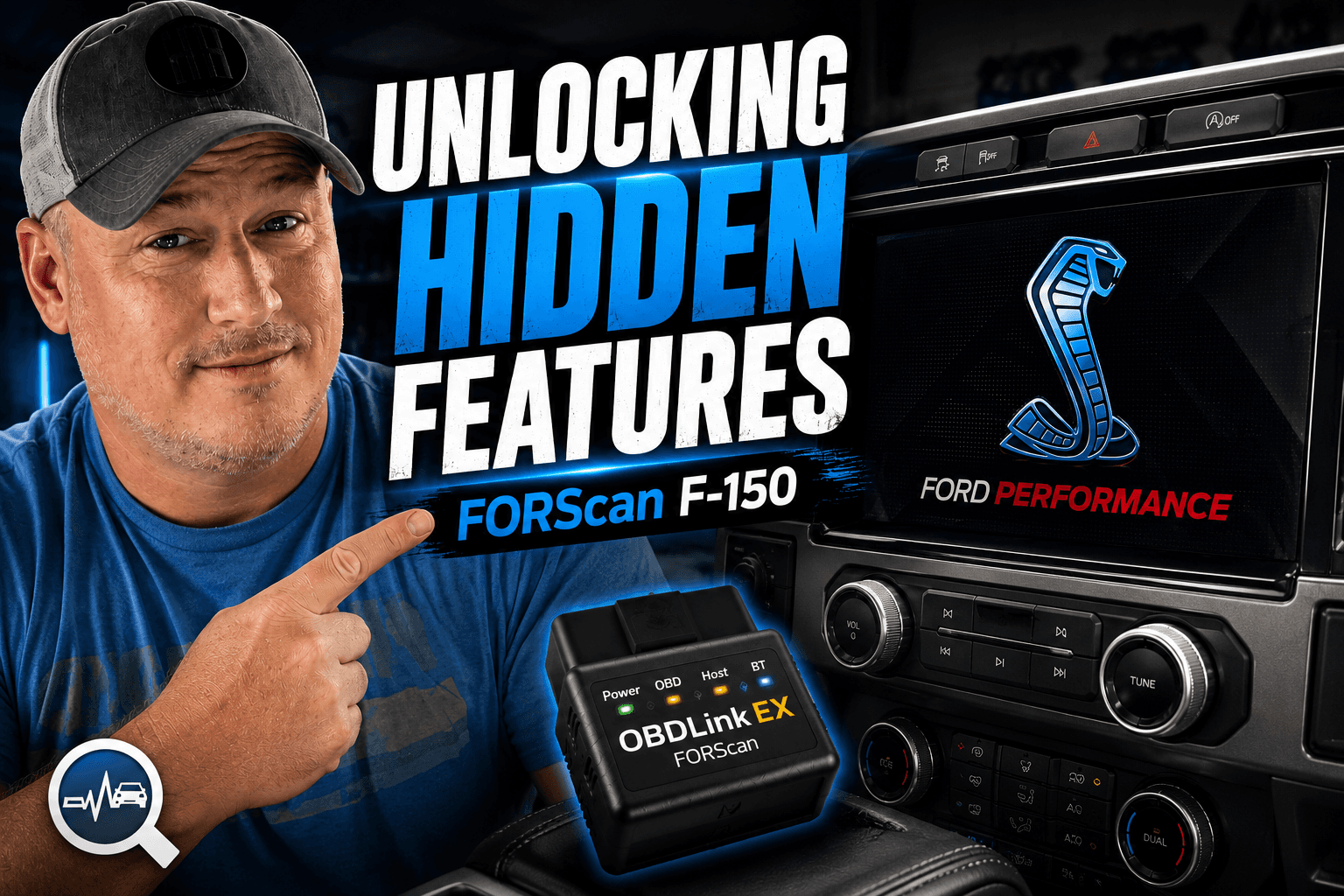


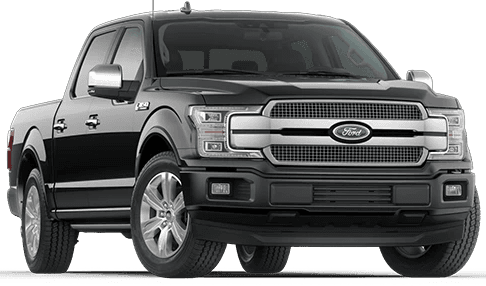


Upgrading My 2018 Ford F-150 with a 12” SYNC 3 Screen (OEM+ Transformation)
The F-150 is getting old. I’ve had this truck for nearly nine years, and to its credit, it’s been completely trouble-free. But when you look at what’s coming out today, it’s hard not to notice the gap. Technology has moved forward. Interiors feel more refined. Screens are bigger, faster, and cleaner.
But here’s the reality. You don’t need a new truck to get that modern feel. With the right upgrades, you can bring an older vehicle up to today’s standards without breaking the bank. This is one of those upgrades.
Why Upgrade the Screen?
Back in 2018, the F-150 came with a few screen options. The base models had a small display that most people avoided. The XLT and up trims came with the 8-inch SYNC 3 system, which, at the time, felt great.
But not long after, Ford introduced a 12-inch display in newer trucks.
And once you see that, it’s hard to go back.
The problem has always been figuring out how to fit a larger, modern screen into older trucks without sacrificing functionality or ending up with a clunky aftermarket setup.
That’s where this comes in.
The 12” Screen Upgrade (CarABC)
This is a 12-inch screen upgrade designed specifically for 2015–2020 F-150s.
What makes it different is that it keeps your factory SYNC 3 system intact. No weird Android interface. No learning curve. No compromise on usability.
It’s essentially an OEM+ upgrade.
The concept is straightforward:
Remove the factory center console
Transfer over your existing controls
Install the new screen assembly
Reconnect everything
In theory, it’s simple. In practice, it’s still a bit of a project.
Tearing Into the Interior
If you’ve ever taken apart a vehicle interior, you know the feeling. Every trim piece feels like it’s about to break right before it pops loose. That doesn’t change here.
The process starts with removing the center speaker, followed by the trim around the center console and shifter. From there, you work your way through the dash, removing vents, disconnecting wiring, and eventually pulling out the factory 8-inch screen. It’s not technically difficult, but it requires patience.
Swapping Over the Electronics
Once everything is out, the real work begins. All factory components, including buttons, knobs, and HVAC controls, need to be transferred to the new unit. This is where the quality of the kit really stood out.
Everything fit. The materials felt solid. The alignment made sense. Nothing felt forced or cheap.
There were a few minor differences across trim levels, but overall, it was intuitive enough to work through without major issues.
Installation and First Startup
Back in the truck, everything gets wired up using the provided harness. This part always feels more complicated than it actually is. Once you match connectors and take your time, it comes together pretty cleanly.
The first startup, though, didn’t go as planned.
The system only displayed on part of the screen. After digging into the instructions, it became clear that the truck needed to be running SYNC 3.4 for the interface to properly scale and recognize the new display.
That led to an unexpected detour.
The SYNC 3.4 Update Challenge
Updating SYNC sounds simple. It wasn’t.
The official Ford update process didn’t work. Multiple USB attempts failed. Hours went by with no progress.
Eventually, a third-party SYNC updater tool got the job done, but not without frustration. It required extra steps, extra cleanup, and a bit more persistence than expected.
But once it worked, everything changed.
The Final Result
This is where it all pays off.
The 12-inch screen completely transforms the interior.
The display is sharper. The layout feels modern. Apple CarPlay now uses more of the screen, giving you additional rows of apps and a much better experience overall.
Most importantly, it looks like it belongs there.
If you didn’t know better, you would assume this came from the factory.
That’s the goal with any upgrade like this. Not flashy. Not overdone. Just better.
What You Should Know Before Doing This
There are a few trade-offs to be aware of:
The system identifies as a Lincoln interface, which changes some visual elements
You lose the CD player entirely
Some physical buttons (like radio presets) are no longer present
You may end up with a blank panel depending on your truck’s configuration
None of these are deal breakers, but they are worth knowing upfront.
Final Thoughts
This is one of the most impactful upgrades you can make to an older F-150.
It modernizes the interior in a way that feels natural. It keeps everything you already like about SYNC 3 while dramatically improving the experience.
It’s not a five-minute install. It’s not completely plug-and-play. And you may run into a few bumps along the way.
But once it’s done, it’s absolutely worth it.
This is exactly what I wanted. And it makes the truck feel new again.
If you’re considering this upgrade, you can check it out here: https://carabc.cn/discount/TSTDRVR?redirect=%2Fproducts%2Fford-f-150-sync-3-2015-2020-12-screen-upgrade-lincoln-style-oem
Use code: TSTDRVR